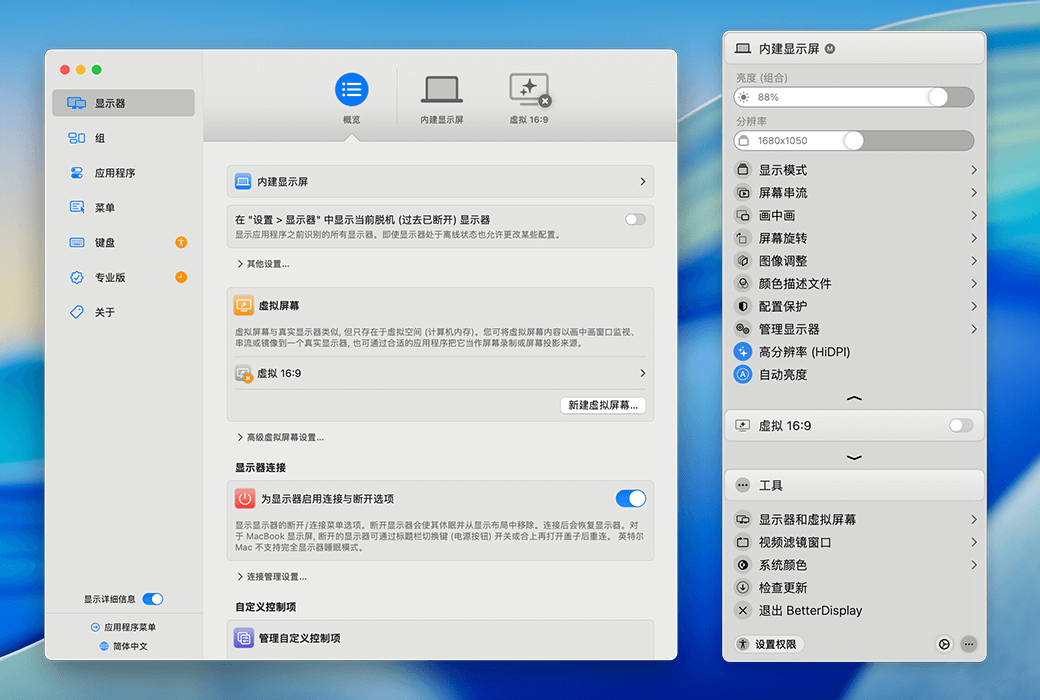
Better Display Pro offers customizable resolution, XDR/HDR extra brightness, virtual screen, picture in picture, soft disconnect, configuration and EDID overlay, DDC control, color mode selection, synchronization, layout protection, and more!
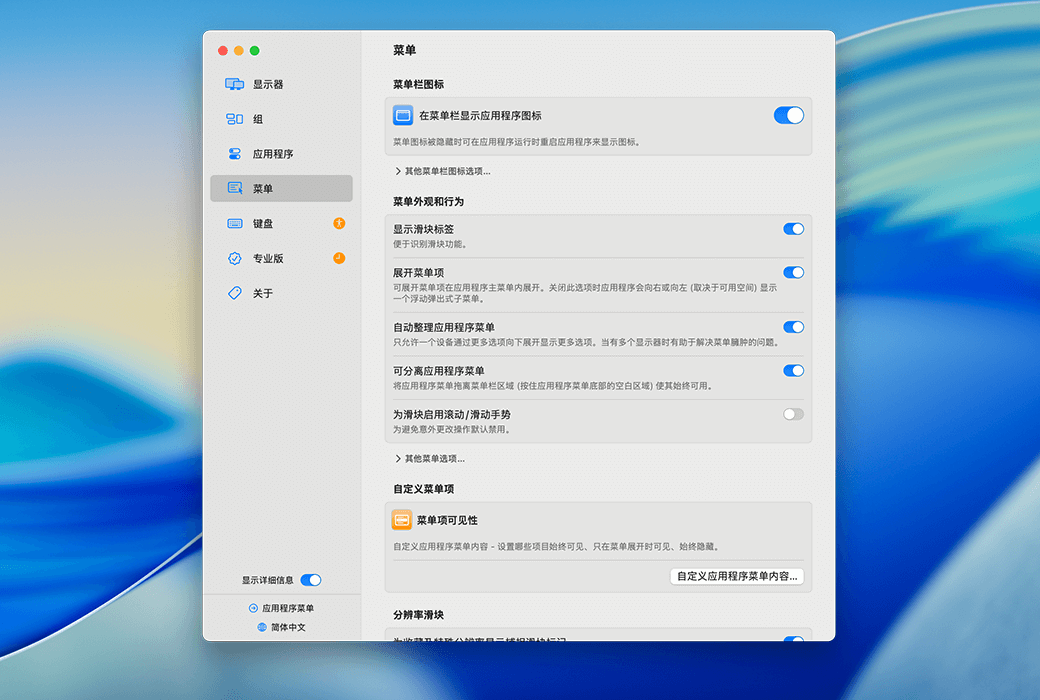
BetterDsplay is a truly great tool! It allows you to convert your monitor into a fully scalable screen, manage display configuration overlay, allow brightness and color control, provide XDR/HDR brightness boost (extra brightness of over 100% for compatible XDR or HDR monitors on Apple Silicon and Intel Mac - multiple methods available), completely darken to black, help you create and manage virtual screens for Mac, create a picture in picture window for your monitor, and provide many other features for you to easily manage monitor settings such as display and color modes from the menu bar. It can even instantly disconnect/reconnect the monitor!
main features
- Video Filter: Added video filters for PIP (Picture in Picture) and local streaming processing, which can be directly applied to the screen through the auto stream and video filter windows.
- Control integration: Added control integration function, which can control devices through shell scripts and URLs.
Display and Color Management
- Color mode selector: Apple Silicon Macs support color mode selectors that can change RGB, YCbCr, chroma subsampling, and HDMI range settings.
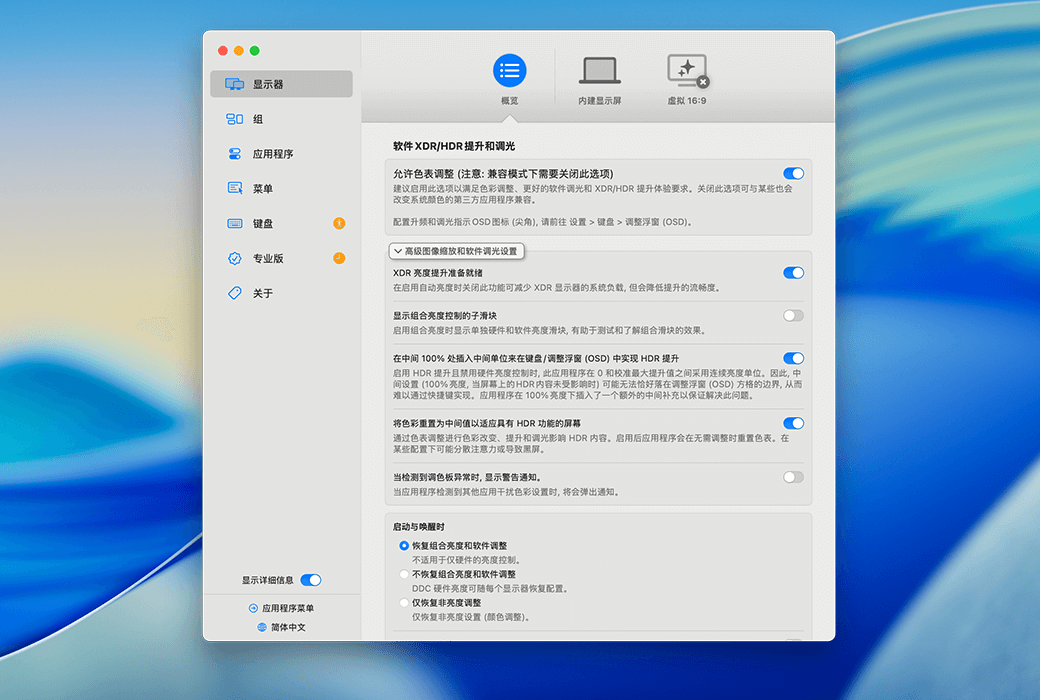
- XDR and HDR support: Fully unleash the brightness potential of XDR or HDR displays, with XDR brightness increasing to 1600 nits, and external HDR display brightness increasing depending on display functionality. Supports native XDR, color chart (Apple Silicon), and metal (Apple Silicon and Intel) methods.
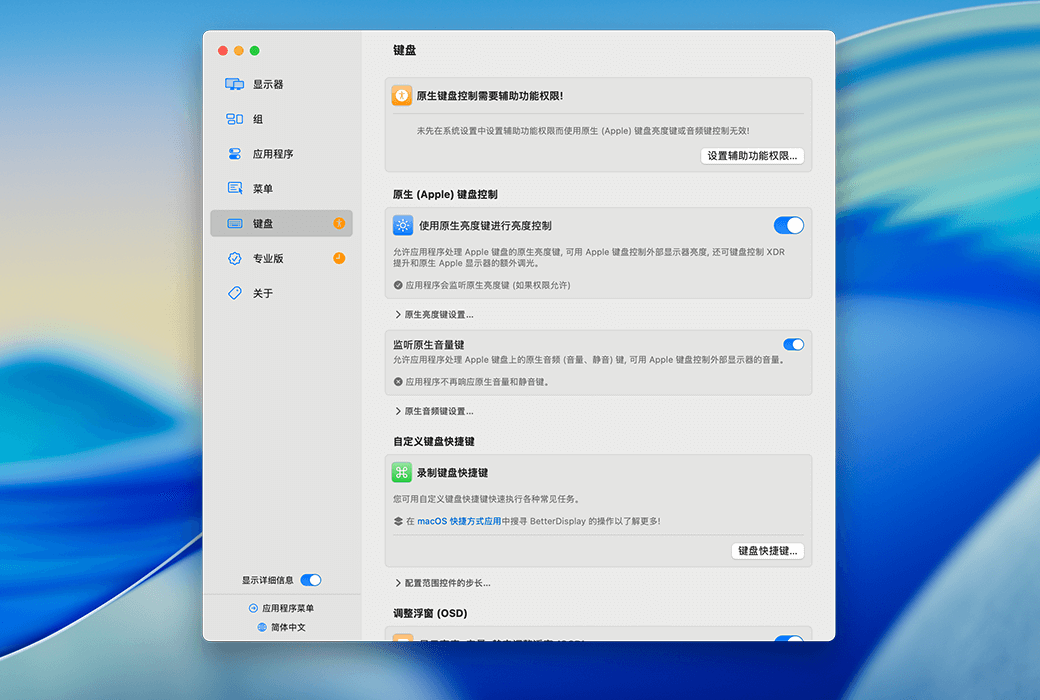
- Brightness Amplification: The native brightness amplification function of the Apple XDR monitor provides complete unlocking of the entire brightness range without any additional conditions, no edited or exaggerated HDR videos, fully native slider compatibility, and no need for additional CPU/GPU usage.
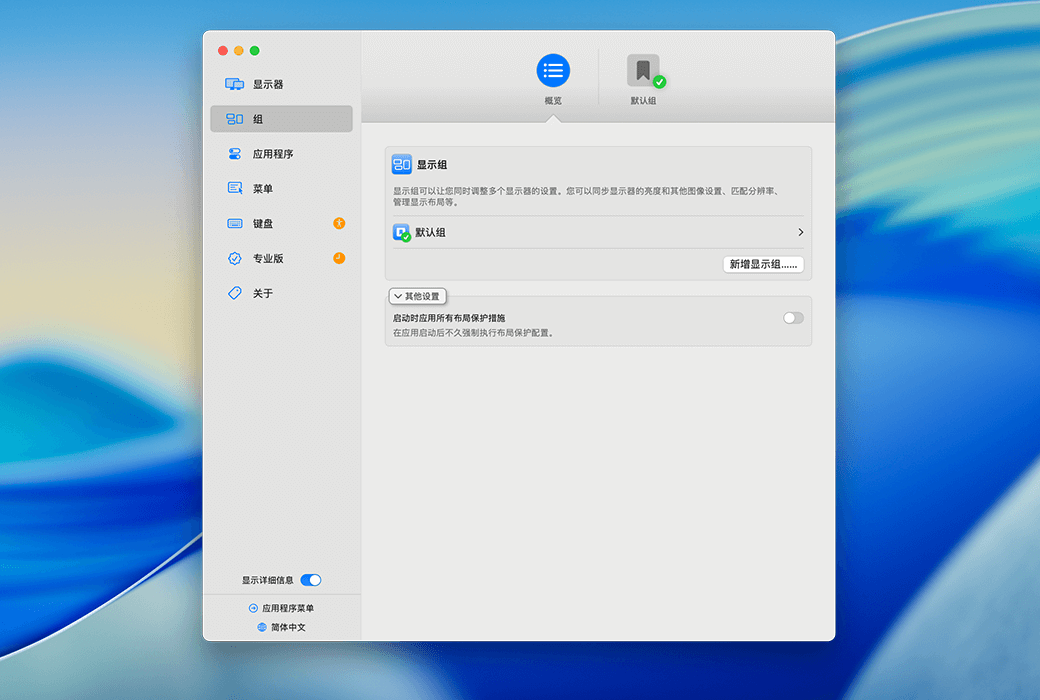
- Display group and synchronization function: can synchronize brightness and other image controls between multiple displays.
- Display UI scaling matching: UI scaling/resolution can be synchronized across multiple displays, recommended for displays with flexible scaling enabled.
- Color profile selector: Provides a color profile (and XDR preset) selector that can automatically switch color profiles between SDR and HDR modes.
- EDID overlay support: Supports EDID overlay for Intel and Apple Silicon Mac, can export display EDID and display detailed display information.
Display Control and Management
- DDC Control Function: It is currently the only application with DDC control function that is suitable for all modern Macs. All Apple Silicon Macs fully support DDC, including M1 built-in HDMI port and 2018 mini built-in HDMI port. Support the option to automatically disconnect the built-in screen when connecting an external monitor (requires Apple Silicon), as well as use DDC to change display input.
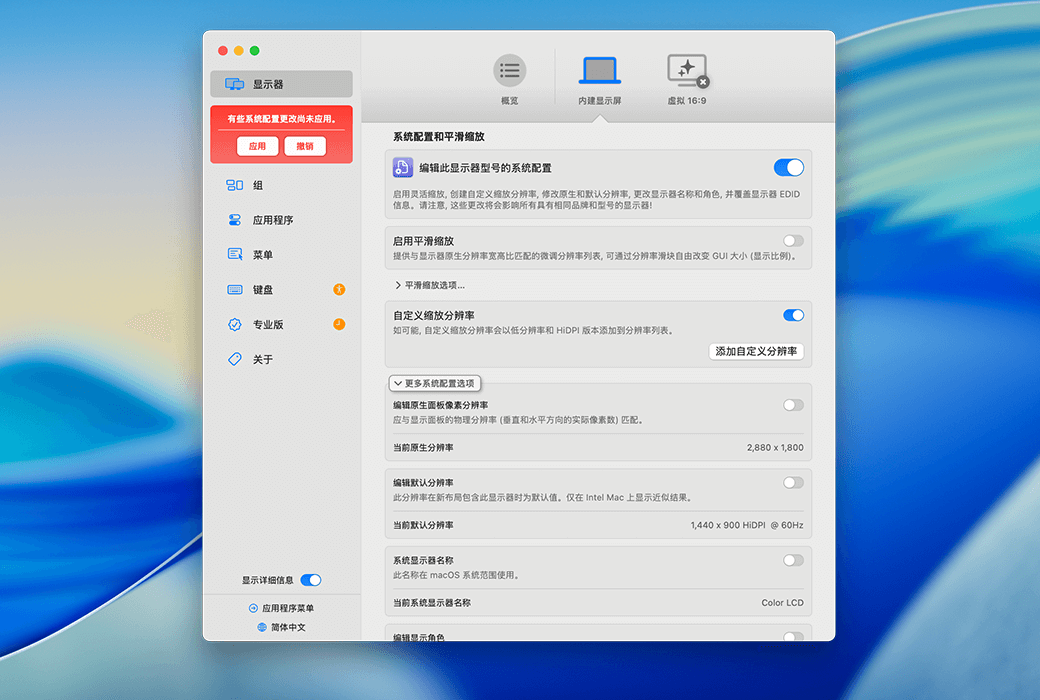
- Flexible Scaling and HiDPI Display: Supports the use of flexible scaling to convert internal and external displays connected to the device into HiDPI displays with flexible scaling (supporting notch, HDR, HDCP, high refresh rate displays). Resolution can be easily changed using sliders, and refresh rate and screen rotation menus can be quickly accessed. Even on 1080p displays, higher quality scaling or screenshots can be obtained.
- Custom Resolution and Display Configuration Protection: Users can manually create custom HiDPI resolutions for actual displays and redefine various system display parameters. Supports protecting display configurations (resolution, refresh rate/VRR, rotation, color profile), defining favorite resolutions, and accessing them using application menus, resolution sliders, or keyboard shortcuts.
- Display disconnection and reconnection: Supports disconnecting and reconnecting displays on Apple Silicon (requiring macOS Ventura or higher) and Intel (supporting all macOS versions, this feature is considered experimental on Intel and may cause issues) (removing and re adding them from the display layout).
Layout and Virtual Screen
- Layout Protection: Use anchor points to create and protect adaptive display layouts for natural traversal between screens.
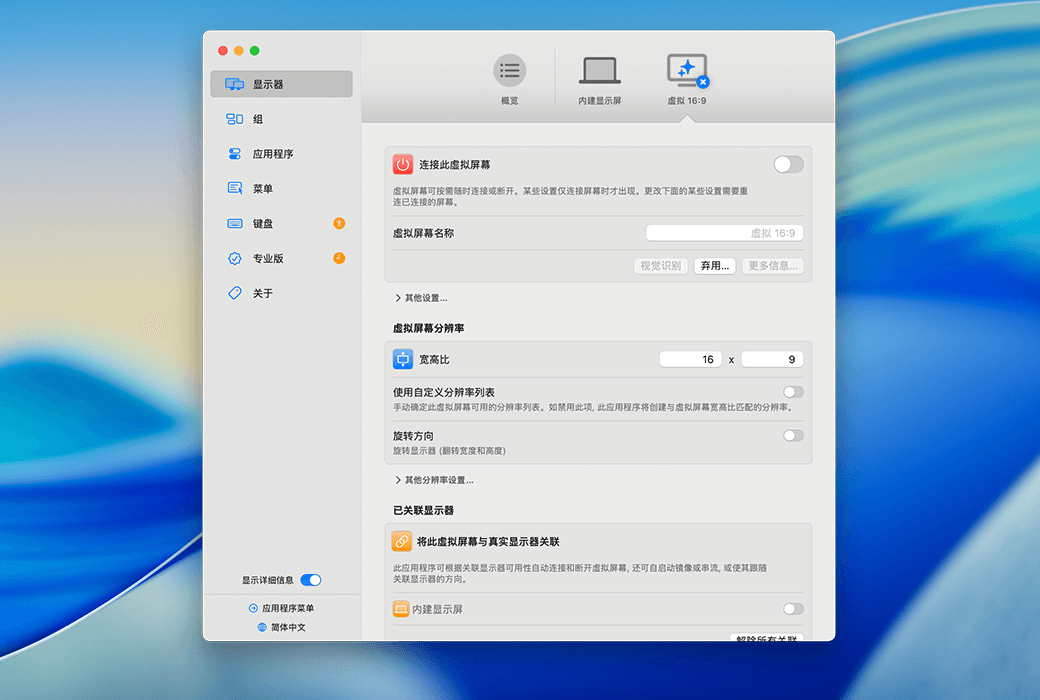
- Virtual Screen Creation: You can create any number of virtual screens with different aspect ratios and resolutions, and remotely access them using a headless Mac (server) with any resolution and HiDPI mode.
- Sidecar support: Supports scaled Sidecar resolution and vertical Sidecar support (through virtual screen streaming), allowing iPad or monitor to be used as a DIY teleprompter.
Other functions
- Picture in picture and streaming processing: A picture in picture window can be created for any real or virtual screen, redirecting the content of the display (real or virtual) to another screen through local streaming processing. The lower part of the TV can also be used as a widescreen display (eccentric streaming media).
- Mirror set and monitor movement: Simplify the creation of mirror sets and easily move between monitors using the application menu.
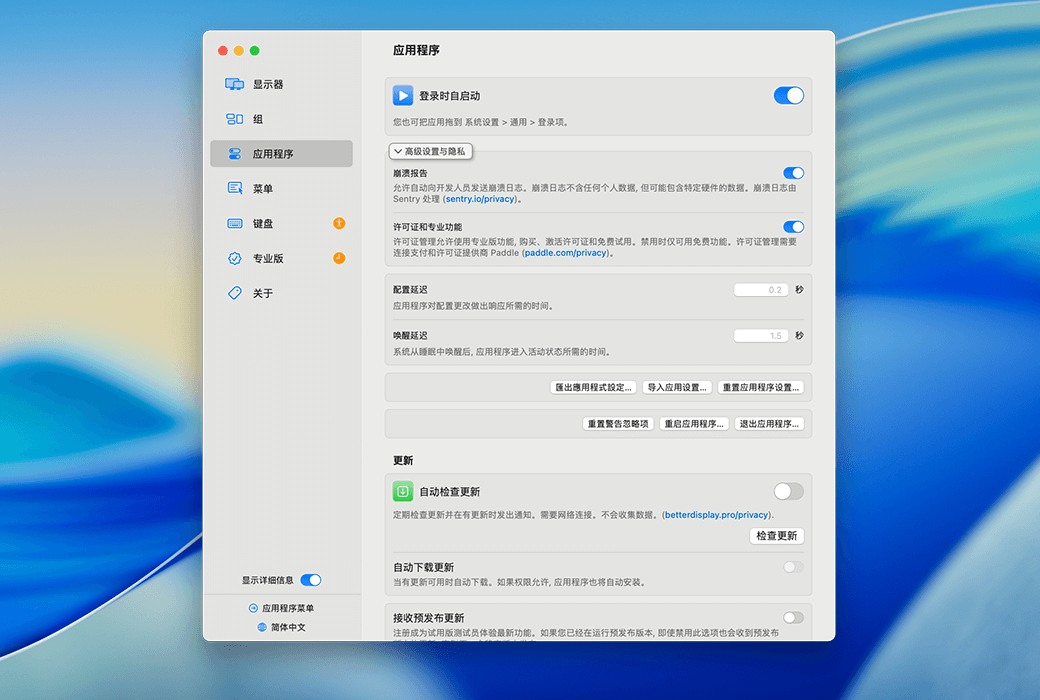
- Keyboard shortcuts and CLI support: Provides keyboard shortcuts for brightness and audio control, supports advanced keyboard shortcuts. Support various CLI and application integration features (command line, better display CLI, custom URL architecture, etc.) HTTP、 Notification: Supports MacOS Shortcuts (App Intents) and MediaMate (latest version required).
- Other auxiliary functions: can help display width flicker (PWM, time jitter).